
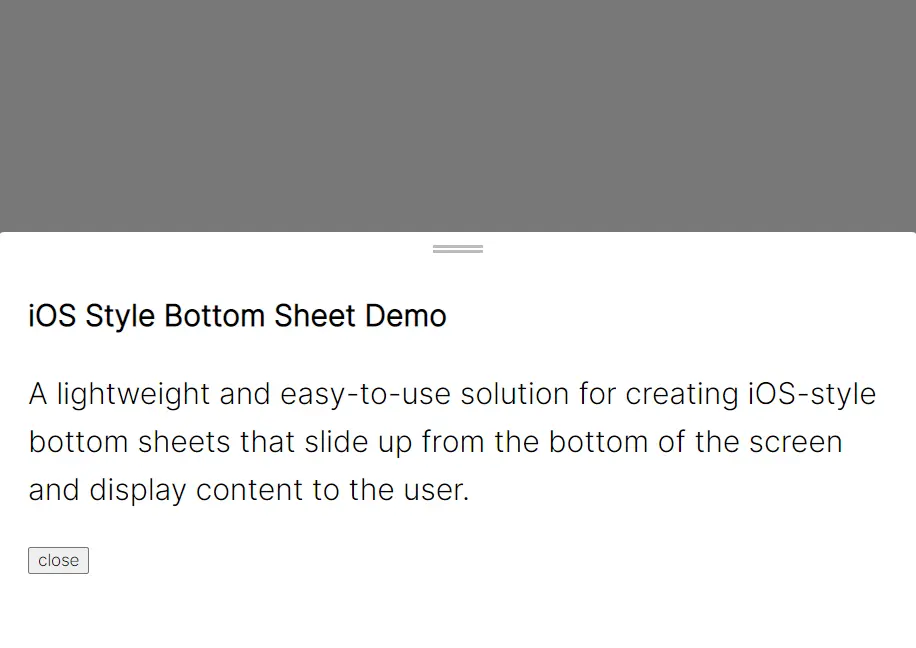
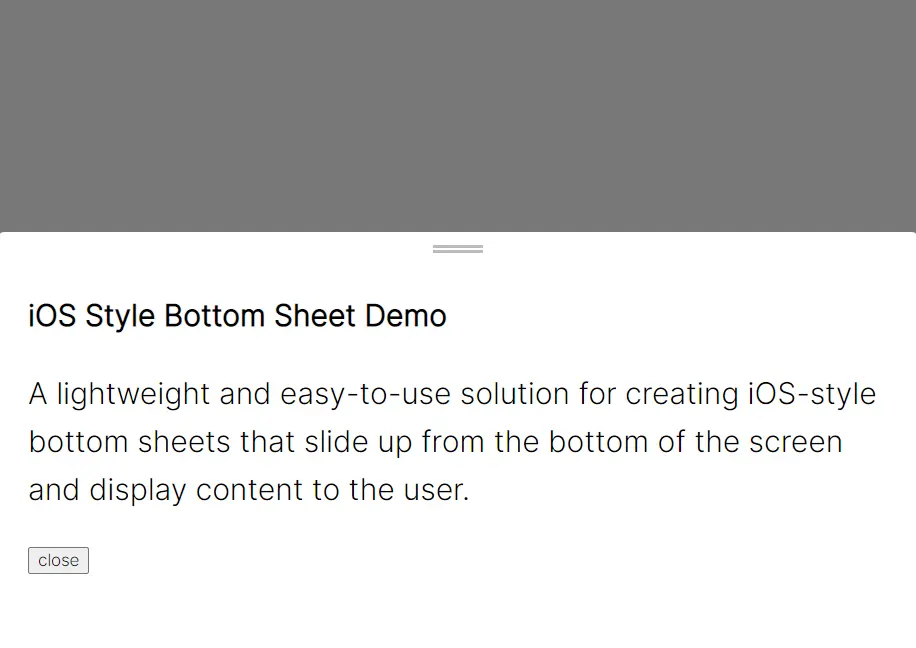
Uma solução leve e fácil de usar para criar folhas inferiores estilo iOS que deslizam da parte inferior da tela e exibem conteúdo ao usuário.
Como usar:
1. Importe o componente Bottom Sheet.
import { BottomSheet } from "./index.js";2. Crie uma nova instância de BottomSheet, especifique o contêiner ao qual a folha inferior deve ser anexada e defina o conteúdo a ser exibido na folha inferior.
const bottomSheet = new BottomSheet(
  "#myContainer",
  'Qualquer Conteúdo HTML Aqui'
);
3. Abra & feche a Folha Inferior.
bottomSheet.open();
bottomSheet.close(sheetId);
4. Personalize a folha inferior.
// Classes CSS usadas para estilizar a folha inferior
bottomSheet.sheetClass = 'sheetClass';
bottomSheet.contentsClass = 'contentClass';
bottomSheet.backgroundClass = 'bgClass';
// altura da folha inferior
bottomSheet.height = 100;
// posição inicial da folha inferior
bottomSheet.startY = -50;
// feche a folha inferior ao clicar no fundo
bottomSheet.backgroundClickExit = true;
5. Eventos.
// antes de abrir
bottomSheet.beforeOpen = (sheetID) => { console.log('antes de ser aberto') }
// após abrir
bottomSheet.afterOpen = (sheetID) => { console.log('depois de ser aberto') }
// antes do fim
bottomSheet.beforeEnd = (sheetID) => { console.log('antes de fechar') }
// após o fim
bottomSheet.afterEnd = (sheetID) => { console.log('depois de fechar') }
Changelog:
01/05/2023
01/02/2023
- Agregou suporte para a tecla Esc.